
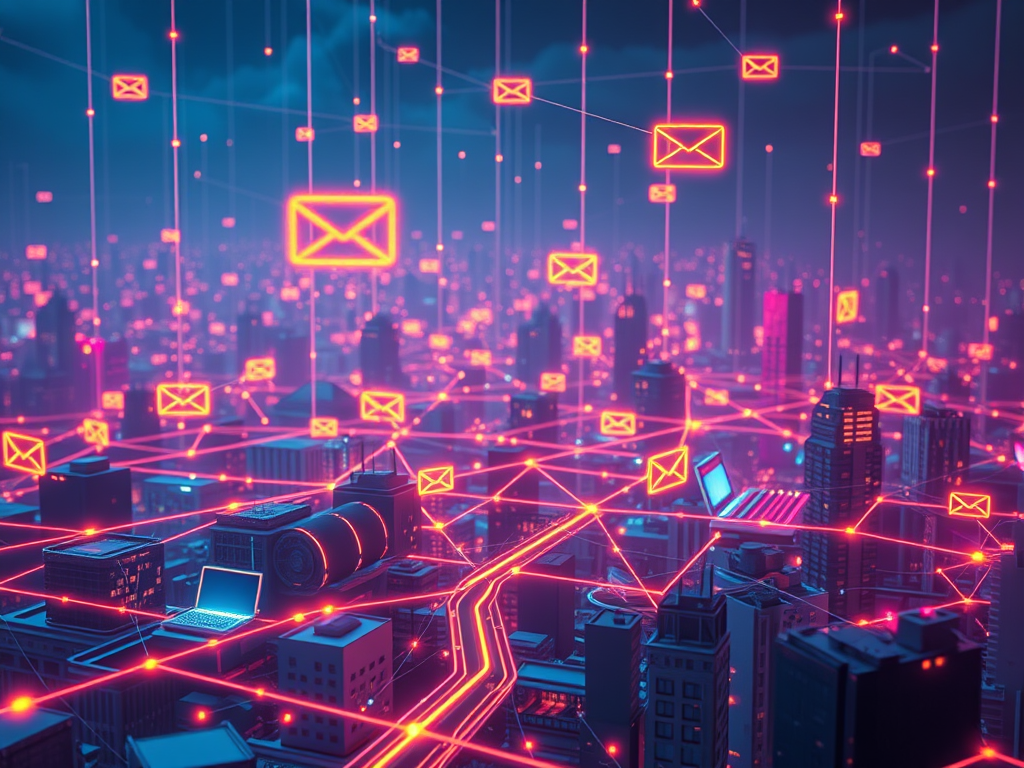
Have you ever wondered how you can watch a video from the other side of the world, chat with a friend miles away, or find the answer to almost any question in just a few seconds? It all happens thanks to the internet! But what exactly is the internet, and how does it magically bring all this information to your screen?
It’s not magic, but it’s definitely super clever! Think of the internet as a gigantic, worldwide network of connected computers, like a massive digital city where information can travel incredibly fast. Let’s explore the top 10 amazing things that make the internet work, explained simply so you can become an internet whizz!
1. The Internet: Your Giant Network of Digital Friends (What is the Internet?)
Imagine all your friends live in different houses, but you’re all connected by a special set of invisible (and sometimes visible!) roads. You can send messages and share things with each other super quickly. The internet is a bit like that, but instead of just your friends, it connects billions of computers, phones, and other devices all over the world! This “network of networks” is what we call the internet. It’s not one single thing in one place, but a global system. When you go online, your device becomes part of this huge system, allowing it to talk to other devices far and wide. This allows us to share information, play games with people in other countries, learn new things, and so much more. It’s like the biggest library, post office, and playground all rolled into one, accessible right from your fingertips. Understanding this basic idea helps explain what the internet is for kids and adults alike – it’s all about connection and sharing information across a vast digital landscape.
2. Digital Postcards: How Messages Travel in Tiny Pieces (Data Packets)
When you send a letter, you write it on one piece of paper. But on the internet, information doesn’t usually travel all in one go. Instead, when you send an email, load a webpage, or watch a video, the information is broken down into tiny pieces called “data packets.” Think of it like sending a giant jigsaw puzzle through the mail. Instead of trying to stuff the whole puzzle into one envelope, you’d break it into smaller, manageable pieces, put each piece in its own small envelope, and number them. Each of these digital “envelopes” or packets contains a small part of the total information, plus important details like the sender’s address, the receiver’s address, and how the packet fits with others to make the complete message. This method, called packet switching, is super efficient. If one packet gets lost or takes a wrong turn, only that small piece needs to be resent, not the whole thing! This is a core part of how data travels on the internet, making sure your digital messages arrive quickly and correctly.
3. Your Online Address: What’s an IP Address All About?
Just like your home has a unique street address so the postman knows where to deliver letters, every device connected to the internet has a unique address called an IP Address. “IP” stands for “Internet Protocol,” which is part of the main rulebook for how the internet works. An IP address is a string of numbers, like 192.168.1.1 or 2001:0db8:85a3:0000:0000:8a2e:0370:7334. This special number helps other computers find your device on the vast network. When you want to visit a website, your computer sends a request, and the website’s server needs your IP address to know where to send the webpage data back to. It’s like telling a pizza delivery service your address so they can bring the pizza to you! Understanding IP addresses and servers is key to understanding how information gets to the right place online. Without these unique addresses, information would get lost, and we wouldn’t be able to see websites or get our emails. It’s a fundamental part of internet basics explained simply.
4. The Internet’s Traffic Cops: Routers and Switches Directing Data
So, your data is broken into packets, and each packet knows where it’s going thanks to IP addresses. But how do these packets navigate the super-complex roads of the internet? That’s where routers and switches come in! Think of routers as the super-smart traffic police of the internet. When a data packet arrives at a router, the router looks at the destination IP address and decides the best and quickest path for that packet to take to get closer to its destination. It might send it along a fiber optic cable, or wirelessly to another router. Switches are more like local traffic managers, often used within your home network or a school network to connect multiple devices (like your computer, tablet, and games console) to each other and to the main router that connects to the internet. Routers ensure that how data travels on the internet is efficient, choosing the least congested “roads” to avoid digital traffic jams, and making sure the journey of an online message is as swift as possible.
5. The Rule Book of the Web: Understanding Protocols (TCP/IP)
Imagine trying to play a game with friends, but everyone is following different rules. It would be chaos! The internet needs a common set of rules too, so all the different devices, made by different companies, can understand each other. These rules are called “protocols.” The most important set of protocols for the internet is called TCP/IP. “TCP” stands for Transmission Control Protocol, and “IP” stands for Internet Protocol (which we already know gives us our IP addresses!). TCP is like the careful organizer. It takes your big message, breaks it into those data packets we talked about, numbers them, and when they arrive at the destination, TCP checks if all the packets have arrived safely and in the right order, and then reassembles them. If any packets are missing or damaged, TCP requests them again. IP is responsible for the addressing and sending of the packets. What are internet protocols? They are simply the agreed-upon languages and procedures that make sure all parts of the internet can work together smoothly, ensuring information is sent reliably and accurately.
6. The Internet’s Smart Phonebook: Domain Name System (DNS)
Remembering long strings of numbers (IP addresses) for all your favorite websites like google.com or bbc.co.uk would be impossible, right? We’re much better at remembering names. That’s where the Domain Name System, or DNS, comes to the rescue! Think of the DNS as the internet’s giant, super-fast phonebook. When you type a website address (like “www.myfavoritewebsite.com“) into your web browser, your computer doesn’t automatically know the IP address for that site. So, it sends a query to a DNS server. The DNS server looks up the website name you typed and finds the matching IP address. Once it has the IP address, it sends it back to your computer. Now your computer knows the exact numerical address of the website’s server and can request the webpage. This whole process happens in a flash, usually in milliseconds! The DNS is crucial for how websites reach your computer and is a key part of making the internet user-friendly. Without it, we’d all be trying to memorize numbers instead of names!
7. Digital Supermarkets: What Are Servers and Where Do Websites Live?
Where does all the information on the internet actually live? Websites, videos, games, and all that online content are stored on special, powerful computers called “servers.” Think of a server as a digital supermarket, but instead of stocking food, it stocks website files, images, videos, and other data. When you type a website address into your browser (and DNS has found its IP address), your computer sends a request to that specific server. The server then “serves” up the requested information by sending the website’s data packets back to your computer. These servers are usually kept in large, secure buildings called data centers, which have powerful connections to the internet and backup power to ensure they are always running. Understanding IP addresses and servers goes hand-in-hand; the IP address tells your computer which server to talk to out of the millions online. These servers work tirelessly, 24/7, to provide us with all the content we access every day.
8. The Invisible Connection: Wi-Fi and Your Router at Home
Many of us connect to the internet without plugging in any wires, thanks to Wi-Fi! But how does this “invisible” connection work? Your home Wi-Fi setup usually involves a device called a wireless router. This router is connected to the internet via a cable from your Internet Service Provider (ISP – the company you pay for internet access). The router then acts like a mini radio station, broadcasting the internet signal wirelessly around your home using radio waves. Your laptop, tablet, phone, or smart TV has a built-in Wi-Fi adapter that acts like a radio receiver, picking up these signals. When you want to access the internet, your device sends a request via radio waves to the router. The router then sends this request out to the wider internet. When the information comes back, the router sends it wirelessly to your device. It’s a bit like having your own personal, invisible internet bridge connecting all your gadgets. This explains a part of internet basics explained simply for your local network, before your data even hits the main internet highways.
9. Under the Sea and Through the Air: The Internet’s Physical Body
While we often think of the internet as being “in the cloud” or wireless, it actually has a very real, physical backbone! A huge part of the internet relies on a massive network of physical cables. These aren’t just ordinary copper wires; many are incredibly advanced fiber optic cables that can transmit data as pulses of light at nearly the speed of light! Thousands of miles of these cables run under the oceans, connecting continents. Imagine giant garden hoses crisscrossing the seabed, carrying all those cat videos and messages! Within countries and cities, these cables run underground or on poles. Of course, wireless technology also plays a big role, especially for connecting our mobile devices or for areas where laying cables is difficult. Satellites orbiting the Earth can also provide internet access, beaming signals down to remote locations. So, how data travels on the internet often involves a journey through these underwater cables, landlines, and even through the air, making it a truly global and physical network.
10. Putting It All Together: Visiting Your Favourite Website – The Amazing Journey!
Now let’s see how websites reach your computer by putting all these pieces together!
- You type “www.superfunwebsite.com” into your browser.
- Your computer, not knowing the IP address, asks a DNS server (the internet’s phonebook) to look it up.
- The DNS server finds the matching IP address (e.g., 123.45.67.89) for “superfunwebsite.com” and sends it back to your computer.
- Your computer now knows the address! It sends a request to that IP address. This request is broken into tiny data packets.
- Your home router (connected via cable or Wi-Fi) sends these packets out to the internet.
- Routers (the internet’s traffic cops) across the world guide these packets along the best path, through various networks and often via those amazing undersea cables.
- The packets arrive at the server (the digital supermarket) that hosts “superfunwebsite.com.”
- The server processes your request and sends the website’s data (HTML files, images, videos – also broken into packets) back towards your computer’s IP address.
- These packets travel back across the internet, guided by routers.
- The packets arrive at your home router, which sends them to your computer. TCP (the careful organizer) checks if all packets are there and puts them back in order to display the webpage.
And voilà! The website appears on your screen. This entire journey of an online message or website request happens incredibly fast, often in less than a second! It’s a complex dance of technology, but it all works together to connect us to a world of information and fun.
The internet is truly one of the most amazing inventions, connecting billions of people and devices across the globe. By understanding these fundamental building blocks, you now have a much clearer picture of the incredible journey your data takes every time you click, type, or swipe!
Further Reading
If you’re curious to learn even more about how the internet and computers work, check out these books:
- “How the Internet Really Works: An Illustrated Guide to Protocols, Privacy, Censorship, and Governance” by Article 19, Mallory Knodel, Ulrike Uhlig. (This one is great with illustrations, though might be for slightly older kids or with a grown-up).
- “The Brainiac’s Book of the Internet: How the Online World Works” by Dr. Larissa Suzuki, illustrated by Harriet Russell. (Specifically aimed at a younger audience and looks very engaging).
- “Lauren Ipsum: A Story About Computer Science and Other Improbable Things” by Carlos Bueno. (A fictional story that introduces computing concepts).
- “DKfindout! Technology” by DK. (Covers a range of technology including the internet in an accessible way for kids).
- “Coding for Kids: Python: Learn to Code with 50 Awesome Games and Activities” by Adrienne Tacke. (While about coding, understanding coding can help understand how websites and apps on the internet are built).




Leave a Reply